How to Use the Global Palbox and Transfer Pals
How the Global Palbox works in Palworld: the level 3 unlock, its 3 Paldium Fragment, 5 Wood and 15 Stone recipe, the exact steps to save Pal genetic data and rebuild it in another save, what carries over, and the best Pals to copy into a new world.
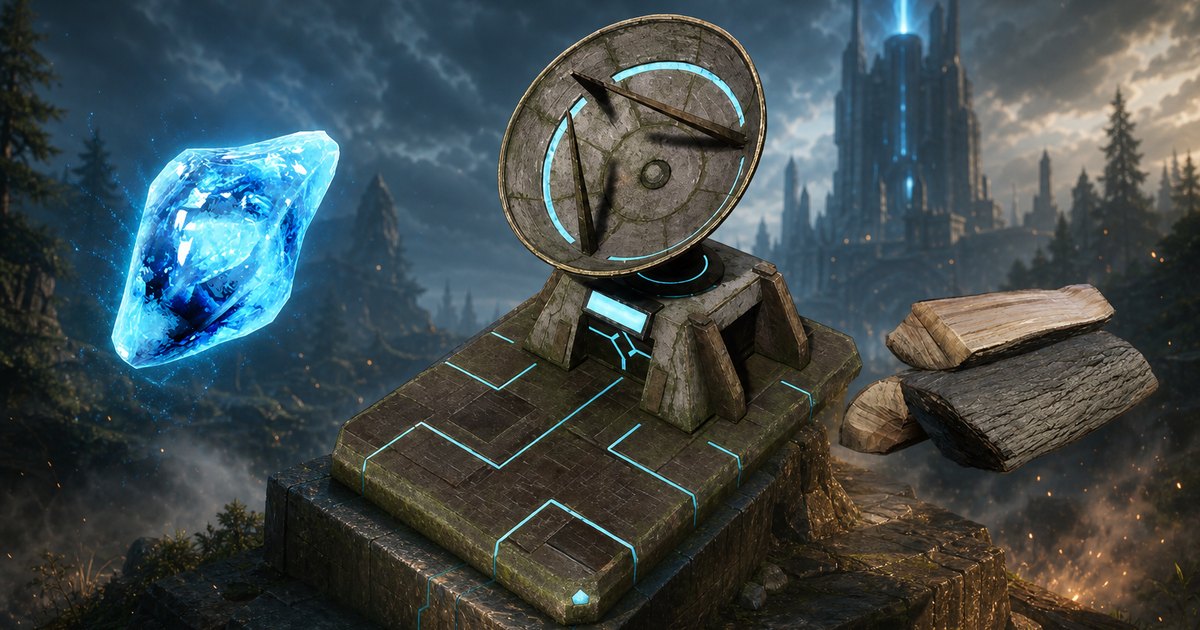
The Global Palbox is the level 3 build that copies a Pal's genetic data out of one save and rebuilds that Pal in a completely different one, so a fresh world never has to start with a team of Lamballs. This guide covers the unlock and its 3 Paldium Fragment, 5 Wood and 15 Stone recipe, where to farm those three materials fast, the exact save-and-reconstruct steps, what carries across and what gets left behind, and which Pals are worth copying first.
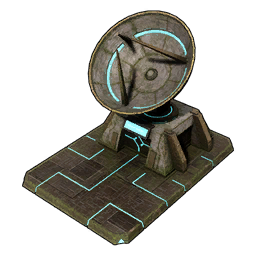 Global Palbox at a Glance
It sits in the Pal tab of the build menu, one row of the Palworld Technology Tree below the ordinary Palbox itself. The key thing to understand is that it does not hold Pals — it holds their genetic data, which is a copy. Drop a Pal in and the original is still sitting in your regular Palbox, still working your base, still rideable. That copy is what travels between save files, and the recipe is deliberately cheap so you can put one down in a brand-new world within your first few minutes.
| What | Detail |
|---|---|
| Type | Base structure, Pal tab of the build menu |
| Technology level | Lv. 3 |
| Technology points | 1 |
| Materials | 3 Paldium Fragment, 5 Wood, 15 Stone |
| What it stores | Pal genetic data — a copy, not the Pal |
| Cross-save | Stored genetic data can be carried to your other worlds |
| Footprint | Bulky — clear a flat patch beside your Palbox before you place it |
| Structure rank | 1 — no upgraded version exists |
How to Unlock the Global Palbox
Hit character level 3, open the technology tree, and spend a single technology point. Level 3 is a quiet row, and the Global Palbox shares it with three other one-point picks plus two that cost two, so taking it early costs you almost nothing — you will be back at this row long before you run out of things to buy. If you are already deep into a save and never grabbed it, it is still sitting there unspent, and one point is nothing at that stage.
| Level 3 technology | Point cost |
|---|---|
| Global Palbox | 1 |
| Arrow | 1 |
| Old Bow | 1 |
| Shoddy Bed | 1 |
| Stone Spear | 2 |
| Straw Pal Bed | 2 |
Where to Farm the Materials
All three ingredients are starting-area materials, and stone is the only one you need in real quantity. Rock and Small Rock nodes are the single most common thing on the island — over 12,000 pins between them — so 15 Stone is one short pickaxe trip. Paldium Fragment is the one people stall on: it comes from the blue-veined Paldium Ore nodes, which are far rarer at 711 pins, and they cluster around water. If you would rather not go looking, wandering merchants sell all three outright, and 3 Paldium Fragment for 210 Gold is a fair trade when you are setting up a second world.
| Material | Qty | Where to get it |
|---|---|---|
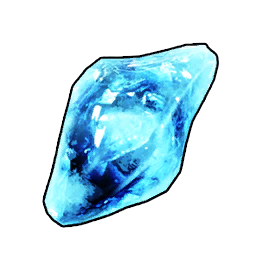 Paldium Fragment Paldium Fragment | 3 | 711 Paldium Ore node pins on the map; 70 Gold each at the Wander Shop; 10-30 per Verdant Hollow expedition |
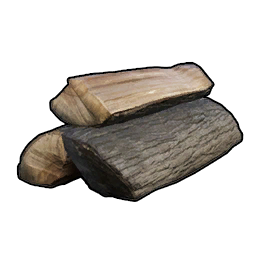 Wood Wood | 5 | 4,654 Lumber node pins; 12 Gold each from Wandering Traders |
 Stone Stone | 15 | 8,157 Rock pins plus 4,286 Small Rock pins; 12 Gold each from Wandering Traders |
How to Save a Pal's Genetic Data
Saving is a drag-and-drop, and it is non-destructive — the Pal you copy stays exactly where it was. Do this in your main save with the Pals you have actually invested in, because the snapshot is taken the moment you drop the Pal in. Anything you do to that Pal afterwards, including levels and newly learned moves, will not show up in the copy unless you go back and overwrite it.
- Build the Global Palbox in your main world, near your existing Palbox so you can move Pals across in one screen.
- Interact with it to open the genetic data list, which starts empty.
- Drag a Pal from your Palbox into the Global Palbox. The data is saved and the original Pal is untouched.
- Repeat for every Pal you want available in other saves.
- If you level a saved Pal later, drop it in again and overwrite its entry so the copy is current.
How to Transfer Pals to Another World
The stored data belongs to you, not to the world you saved it in, which is why the second half of the process happens on a completely different save file. The only real prerequisite in the destination world is the structure itself — so on a brand-new character, you play until level 3, spend the point, and gather the recipe before your veteran team can show up. That is usually a 10-minute detour.
- Return to the main menu and load the world you want the Pals in.
- Reach character level 3 there and unlock the Global Palbox in the technology tree.
- Gather 3 Paldium Fragment, 5 Wood and 15 Stone, then place it inside your base.
- Open it, pick a saved Pal, and reconstruct it into that world's Palbox.
- Pull the Pal out of the Palbox and it behaves like any Pal you caught there.
What Carries Over and What Doesn't
This is where most of the confusion lives. The copy is a frozen snapshot, not a live link between saves, and a world's host can switch the whole system off. The single most useful habit is re-saving a Pal after any big investment — a condensing session, a new active skill, a chunk of levels — because otherwise you will reconstruct a version of it from weeks ago and not notice until you check its stats.
| Thing | What actually happens |
|---|---|
| The original Pal | Stays in the world you copied it from, completely unaffected |
| Level, stats and moves | Frozen at the moment of copying |
| Levels gained after copying | Not reflected — overwrite the saved data to refresh it |
| Copies in one world | One live copy of a given saved Pal at a time, so you cannot rebuild a squad of five identical Pals |
| World settings | Saving genetic data and reconstructing Pals can each be switched off per world; both are on by default |
| Your character | Only Pals move — your level, gear and technology stay with each save |
Best Pals to Copy Into a New World
The best use of the Global Palbox is not hauling over a killer — it is skipping the base-building grind. Work suitability ranks cap at 8 for almost every job, and a rank 8 worker does the job of several early Pals while you are still swinging a stone axe. Prioritise the ones you physically cannot obtain at a low level: Renjishi, Aegidron and Celesdir Noct have no wild spawns at all, so a fresh character has to beat a level 78-79 alpha to get one. Solenne and Shaolong do spawn in the wild, but not anywhere a starting character should be walking. Work ranks below only compare against other Pals doing the same job.
| Pal | Best job | Why copy it |
|---|---|---|
 Solenne Solenne | Handiwork 8 | The only Handiwork 8 Pal in the game — it alone runs your crafting benches. 47 wild spots |
 Renjishi Renjishi | Kindling 8 | Top Kindling rank, and no wild spawns at all — the only source is a level 78 alpha |
 Aegidron Aegidron | Mining 8 | Highest Mining rank plus 140 base defense. No wild spawns; its alpha sits at level 79 |
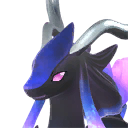 Celesdir Noct Celesdir Noct | Lumbering 8 | Best Lumbering rank in the game, and again alpha-only at level 79 |
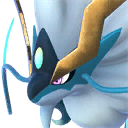 Shaolong Shaolong | Watering 8 | Top Watering rank and 140 base HP, and it doubles as the 3rd-fastest mount at 2,800 sprint speed. 63 wild spots |
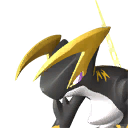 Orserk Orserk | Generating Electricity 8 | Only Pal at Electricity rank 8 — one of these powers a full base. 33 wild spots |
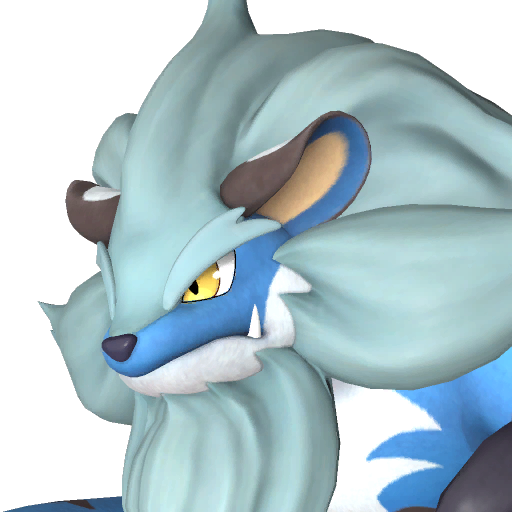 Bastigor Bastigor | Cooling 8 | Highest Cooling rank, which keeps eggs and a refrigerator running. 69 wild spots |
 Knocklem Knocklem | Transporting 7 | Tied for the best Transporting rank in the game and Mining 7 on top of it — the hauler that stops chest micromanagement |
 Jetragon Jetragon | Gathering 8 | The fastest mount in Palworld at 3,300 sprint speed, ranked 1st of 115 rideable Pals, and its alpha is level 70 |
Tech Gates Still Apply After the Transfer
Copying a Pal does not copy the technology that makes it usable. A reconstructed Jetragon will fight beside you and gather at rank 8 from the moment it lands, but you cannot ride it until your character hits level 79 and unlocks its saddle — and by then you could have caught one yourself. That is the honest limit of the feature for mounts: the fast fliers are all gated behind the highest saddle unlocks in the game. Base workers have no such gate, which is why the work-suitability picks above are the real reason to build this thing. Speeds here only compare between rideable Pals, and flying and ground mounts move on different scales.
| Pal | Sprint speed | Mount rank | Saddle tech level |
|---|---|---|---|
| Jetragon | 3,300 (Flying) | 1st of 115 | Lv. 79 |
| Shaolong | 2,800 (Flying) | 3rd of 115 | Lv. 77 |
| Celesdir Noct | 1,200 (Ground) | 37th of 115 | Lv. 78 |
| Bastigor | 1,100 (Ground) | 45th of 115 | Lv. 73 |
| Aegidron | 1,100 (Ground) | 43rd of 115 | Lv. 79 |
Is Copying Pals Worth It?
For one technology point and 23 materials, yes — but use it for labour, not for power. Bringing a rank 8 worker into a new save turns the first ten hours of base building into something you actually enjoy, since one Pal replaces the three or four low-rank ones you would otherwise be shuffling around. Bringing a level 50 fighter mostly just deletes the early game, and the mounts you would most want are locked behind saddle technology you will not have for another 70 levels. Copy Solenne, Orserk and Knocklem first, leave the legendaries for when the new save has caught up, and check the best base Pals for every job before you decide what else deserves a slot.
Related Guides
- Global Palbox in the full Palworld structure list
- All Palworld Guides and the Palworld Interactive Map
- Best Base Pals: 7 Workers for Every Job
- Palworld Day One Checklist
- Palworld Multiplayer Guide: Co-op, Crossplay, and Servers
- Best Base Locations with Coordinates and Nodes
- How to Rank Up Pals with Pal Condensing
- How Breeding Works: Combi Ranks and Inheritance