How to Drop Items and Pals: Controls and Sharing Rules
How to drop items and Pals in Palworld: the Drop button, how Discard differs, the R and right stick input for dropping a Pal, the favorite lock that blocks it, the items the game never lets you hand over, and the saddles worth dropping for a lower-level friend.
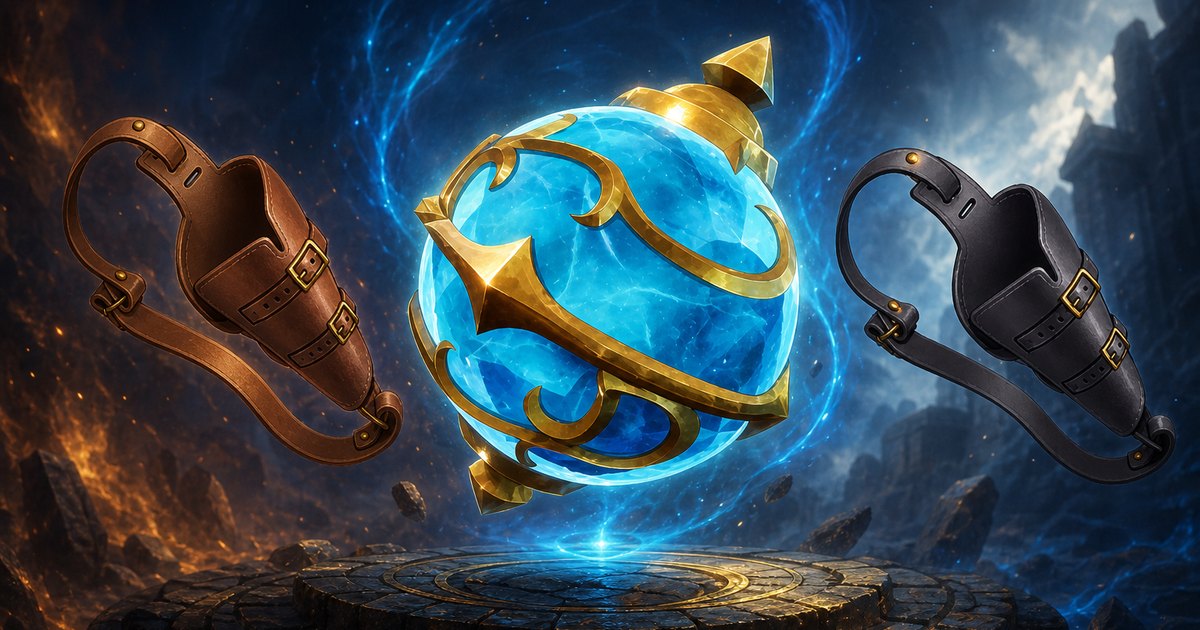
Dropping is the only way to physically hand something to another player in Palworld, and it doubles as the fastest fix for an inventory that has gone over the weight limit. This guide covers the Drop button and why Discard is the one you never want to hit by accident, the exact input for putting a Pal on the ground, the lock that stops it, the short list of items the game will never let you hand over, and the gear worth dropping for a lower-level friend.
 Dropping Items and Pals at a Glance
Two completely different systems share the same word. Items leave your bag through a button on the inventory screen; Pals leave your party through a button prompt on the Party tab. Both put the thing on the ground at your feet, and both leave it there for whoever walks past — which is the entire point in co-op and the entire risk in a public lobby. Everything below assumes default world settings.
| What | Detail |
|---|---|
| Where the Drop button is | Bottom left of the inventory screen, sitting right next to Discard |
| How to drop an item | Drag the stack onto Drop |
| How to drop a Pal | Open the menu, go to the Party tab, highlight the Pal, then press R on keyboard or click the right stick on controller |
| Who can pick it up | Anyone standing nearby — dropped items and Pals are not reserved for you |
| Craftable gear | Droppable since the 1.0 update, saddles and harnesses included |
| Never droppable | Weapon holsters and Feed Bags, even after the Feed Bag is emptied |
| What blocks a Pal drop | The favorite lock — clear it on the Pal's page first |
| The irreversible one | Discard, not Drop. Discard deletes the item with no way back |
| Cost of couriering gear | Nothing. All 143 pieces of Pal gear weigh 0 |
 How to Drop an Item
Open your inventory, pick up the stack you want gone, and drag it onto the Drop button in the bottom-left corner. The items land in a pile at your feet and stay there as ordinary world loot, so you can walk away and come back for them, or let the player standing next to you scoop them up. There is no trade window in Palworld and no mail system — this pile on the floor is the trade window, which is why it is worth knowing the button's neighbour before you start dragging heavy stacks around.
The three situations where dropping is the right call:
- You are over your carrying capacity and the walk home has turned into a crawl. Ditch the heaviest thing in the bag, not the biggest stack — see how carrying capacity and item weights work for the full numbers
- You are handing gear to someone outside your guild. Guild members can already open each other's chests, so dropping only matters for players you have not grouped with
- You want to seed a new player's base with materials they cannot mine yet at their level
 Drop and Discard Are Not the Same Button
Discard sits immediately beside Drop and it destroys the stack outright. Nothing hits the floor, nothing goes to a recycling bin, and there is no confirmation you can undo afterwards. It exists for genuine junk — the fifth stack of low-tier ammo, the raw meat you are never cooking — but the two buttons being neighbours means a mis-drag on a full bag can vaporise something expensive. If you are shifting anything you would be annoyed to lose, aim carefully, or move the stack into a chest instead.
| Button | What happens to the stack | Can you get it back? | Use it for |
|---|---|---|---|
| Drop | Lands on the ground where you are standing | Yes — pick it up again, and so can anyone else | Sharing, trading, and shedding weight mid-run |
| Discard | Deleted from the world | No | Junk you would not carry home anyway |
| Move to a chest | Stored where only you or your guild can reach it | Yes | Anything valuable — this is the safe version of both |
 How to Drop a Pal
Pals are not inventory items, so they do not use the Drop button at all. Open your menu, switch to the Party tab, highlight the Pal you want to hand over, and press R on a keyboard or click the right stick on a controller. The Pal drops out of your party and onto the ground in front of you, and the next player to interact with it takes it — including everything you already invested in that specific Pal, since level, condensed stars and passive skills all live on the individual creature rather than on the species.
That last detail is what makes Pal dropping worth doing deliberately rather than by accident. A five-star condensed worker handed to a friend arrives fully condensed. So does a bred Pal carrying a stacked passive set, which is why breeders in a co-op world usually run one player as the breeding specialist and drop the results to everyone else instead of making four people run four farms.
 Clear the Favorite Lock First
If nothing happens when you press the button, the Pal is favorited. Favoriting is the game's guard against handing away or releasing the mount you actually use, and it blocks the drop silently rather than warning you. Select the Pal, find the lock icon sitting next to its Trust bar, and tap it to clear the mark — the drop input works immediately afterwards. Re-favorite anything you keep, especially your main flyer, because the same button that hands a Pal to a friend hands it to a stranger who wandered into your base.
 What You Can Never Hand Over
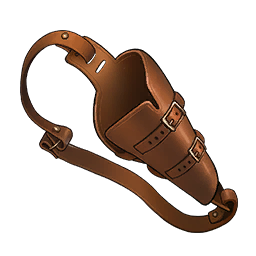
One family of items refuses to leave your inventory, and the reason is how they work rather than how rare they are. Weapon holsters, Feed Bags, accessory boxes and lockpicking tools are all carried upgrades — they sit in your bag doing nothing visible and the extra slot or ability exists for as long as they are in there. Let those change hands and a level 5 character could be walking around with every slot upgrade in the game, so the drop is blocked outright. Emptying a Feed Bag first does not help; it is the bag itself the game will not release.
| Item | What carrying it gives you | Where it comes from |
|---|---|---|
| Extra Weapon Holster | +1 weapon slot | Ancient Technology, Lv 27 |
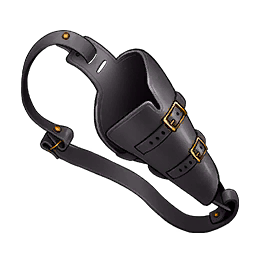 Extra Weapon Holster 2 Extra Weapon Holster 2 | +1 more weapon slot, stacking with the first | Ancient Technology, Lv 54 |
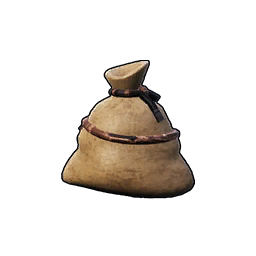 Small Feed Bag → Small Feed Bag → 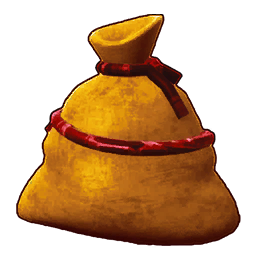 Giant Feed Bag Giant Feed Bag | Food slots that auto-feed you and your party | Technology tree, Lv 9 through Lv 47 |
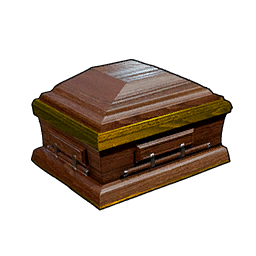 Mysterious Accessory Box Mysterious Accessory Box | +1 accessory slot | Medal Shop, 50 Dog Coin |
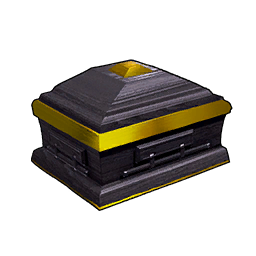 Mystic Accessory Box Mystic Accessory Box | +1 more accessory slot | Medal Shop, 300 Dog Coin |
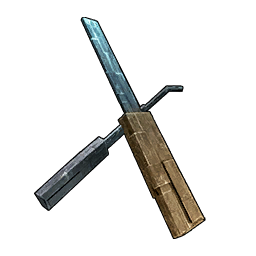 Lockpicking Tool v1 → Lockpicking Tool v1 → 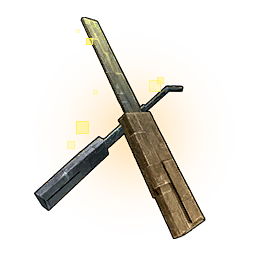 Lockpicking Tool v3 Lockpicking Tool v3 | Opens progressively tougher locked chests | Ancient Technology |
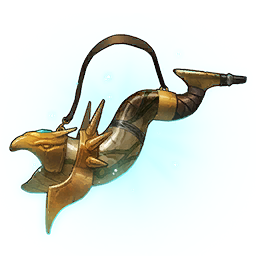 Echoing Flute Echoing Flute | Calls a ride out on open water | Late-game unlock |
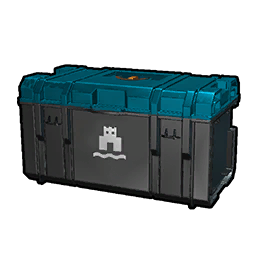 Aquatic Construction Kit Aquatic Construction Kit | Lets you build on water | Late-game unlock |
The four inventory Pouches — Small Pouch up to Giant Pouch — run on exactly the same carried-effect rule, so treat them as personal too rather than planning a co-op run around passing one back and forth. Everything in this group weighs 0, which is the small consolation: there is never a reason to leave one in a chest to save weight, so keep the full set on you permanently. The full weapon and food slot upgrade path has the recipes and point costs for each.
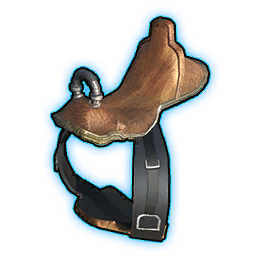 Saddles Are the Best Thing to Drop for a Friend
Since 1.0 made craftable gear droppable, Pal gear became the highest-value thing you can put on the ground. A saddle is researched once at your level and then works on anyone's Pal — the person receiving it never has to hit the technology level themselves, they only have to own the Pal. That turns a single high-level crafter into the mount supplier for an entire server, and because every one of the 143 Pal gear pieces weighs 0, a courier can carry the complete set across the map without losing a point of carrying capacity.
The table below is sorted by the gate you are skipping. Beakon Saddle is the sweet spot for most co-op worlds — level 29 is a wall for a new player, and it hands them a flyer that ranks 30th of the 115 rideable Pals for sprint speed, which is more than enough mount for the whole mid-game. The two at the bottom are the ones worth planning a whole handover trip around.
| Pal gear | Rides | Tech level you skip | Sprint speed | Why hand it over |
|---|---|---|---|---|
| Direhowl's Saddled Harness |  Direhowl Direhowl | Lv 9 | 1,050 | The first mount that genuinely outruns walking, and Direhowl is catchable in the starting region |
| Nitewing Saddle | 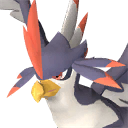 Nitewing Nitewing | Lv 15 | 750 | Slowest flyer in the game, but flight at level 15 skips every cliff on the island |
| Helzephyr Saddle | 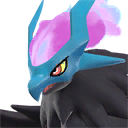 Helzephyr Helzephyr | Lv 25 | 1,100 | 170 stamina, so it holds a long crossing better than the faster mid-tier flyers |
| Beakon Saddle | 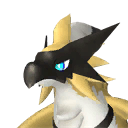 Beakon Beakon | Lv 29 | 1,200 | The best value on this list — a top-30 mount handed over 20 levels early |
| Ragnahawk Saddle | 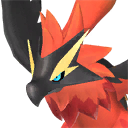 Ragnahawk Ragnahawk | Lv 33 | 1,300 | Rank 23 for speed and it doubles as a fire-element fighter |
| Selyne Saddle |  Selyne Selyne | Lv 53 | 1,600 | 300 stamina, rank 13 — the point where mounts stop feeling mid-game |
| Frostallion Saddle |  Frostallion Frostallion | Lv 62 | 1,800 | Rank 9, and the recipient still has to beat Frostallion to have anything to put it on |
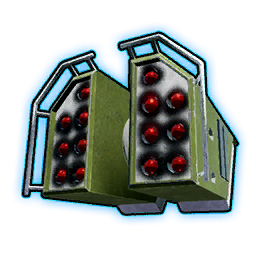 Jetragon's Missile Launcher Jetragon's Missile Launcher |  Jetragon Jetragon | Lv 79 | 3,300 | The fastest mount in the game by a wide margin — nearly double second place |
One honest limit: the gear skips the research, not the catching. Handing someone Jetragon's Missile Launcher does nothing until they own a Jetragon, and that is a level 50 field boss fight. Pair the drop with the Pal itself if you actually want them flying today, and check the full flying mount and saddle upgrade path before you spend points on a saddle nobody in the guild can use.
 What to Drop When You Are Overweight
Going over your carrying capacity does not stop you picking things up, it just makes you slow, and the fix is always to shed the heaviest few items rather than the biggest stacks. The spread is wider than it looks: one Iron Ore weighs the same as a hundred Pal Sphere, so the mining half of your bag is almost always the problem and the catching half almost never is. Smelting before you carry beats dropping every time — two Ore weigh 16 and the Ingot they become weighs 5.
| What is in your bag | Weight each | 50 of them | Drop it? |
|---|---|---|---|
| Iron Ore | 10 | 500 | First thing to go — the heaviest stackable material in the game |
| Ore | 8 | 400 | Yes, unless there is a furnace within walking distance |
 Huge Common Egg Huge Common Egg | 50 | — | One egg is 50 weight. An egg run fills a bag faster than an ore run |
 Gatling Gun Gatling Gun | 50 | — | Heaviest weapon in its class. Leave it home unless the trip is a raid |
 Coal Coal | 5 | 250 | Keep — it pairs with Ore into Refined Ingot at 5 for the pair's worth |
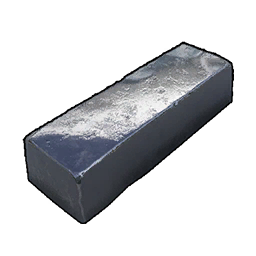 Refined Ingot Refined Ingot | 5 | 250 | Never. Same weight as Coal and worth vastly more |
| Pal Sphere | 0.1 | 5 | Never. Spheres are effectively free to carry |
| Schematics and Pal gear | 0 | 0 | Never — 1,064 items in the game weigh nothing at all |
If you find yourself dropping ore every single trip, the problem is the loadout rather than the run. A weight-reduction Pal in the party zeroes out the material you are farming, and the carry weight Pals and gear breakdown covers which one matches which trip.
 Pals Worth Dropping for a New Player
Handing a new player a Pal is worth more than handing them materials, because a good partner skill changes what they can do rather than topping up what they have. The ones below are all things a low-level character cannot realistically get for themselves, and every one keeps its level, condensed stars and passive skills when it changes hands. Drop the Pal, let them catch it in their own party, and re-favorite anything of yours before you open the Party tab again.
| Pal | What it does for them | Why it beats anything they can catch |
|---|---|---|
| Lunaris | +300 carrying capacity at 1★, +600 at 5★ | The biggest carry buff in the game — worth twelve status points for one party slot |
 Turtacle Turtacle | Cuts Ore weight by 80%, up to 100% at 5★ | Turns the trip that always ends in dropped ore into one that never does |
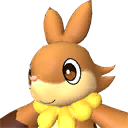 Fuddler Fuddler | Cuts Stone weight by 80%, up to 100% at 5★ | Stone is what a new base eats by the thousand |
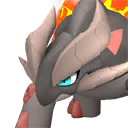 Reptyro Reptyro | Cuts all types of ore by 30%, up to 60% at 5★ | Narrower than Turtacle per material but it covers Iron Ore too |
| Beakon | A rank-30 flying mount at 1,200 sprint | Pair it with the saddle above and they skip 20 levels of walking |
| Cattiva | +100 carrying capacity, +200 at 5★ | Only worth dropping if yours is already condensed — they can catch one in ten minutes |
 When a Chest Beats Dropping
Dropping is for handing something to a player standing in front of you. Anything else is a storage problem, and the game has better answers for it — the important one being that guild members can already open each other's ordinary chests, so nobody inside a guild ever needs to use the floor. The Guild Chest goes further and reads from a single shared pool at every base you own, so a stack deposited at the mining outpost is waiting at the workbench base a minute later.
| Method | Who can take it | Gate | Best for |
|---|---|---|---|
| Drop on the ground | Anyone nearby, guild or not | None | Handing gear to a player outside your guild |
| Ordinary chest in a guild base | Every guild member | Wooden Chest at Tech 2 | Everyday sharing inside a guild — treat nothing on a base as private |
| Guild Chest | Every guild member, from any of your bases | Tech 41, 4 Ancient Technology Points | A shared supply pool that removes hauling between bases entirely |
 Dimensional Pal Storage Dimensional Pal Storage | Guild members, or private if you flip it | Tech 20, 2 Ancient Technology Points | Handing Pals over without both players being online in the same spot |
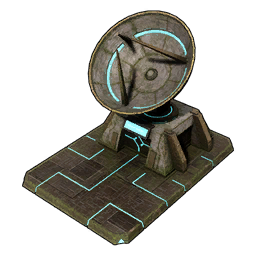 Global Palbox Global Palbox | Only you | Tech 3 | Moving a Pal into one of your own other saves rather than to another player |
For Pals specifically, the Dimensional Pal Storage is the upgrade that makes dropping unnecessary in a co-op world, since a guildmate can pull a Pal out of it whenever they log in. The Guild Chest at level 41 does the same job for items, and the Global Palbox is the one that crosses save files instead of crossing players.
The Short Answer
Drag a stack onto the Drop button at the bottom left of your inventory to put items on the ground, and never confuse it with Discard beside it, which deletes the stack for good. For Pals, open the Party tab, highlight one, and press R or click the right stick — clearing the favorite lock next to the Trust bar first if the input does nothing. Everything craftable can change hands since 1.0, which makes saddles the single most useful thing to drop for a lower-level friend; weapon holsters, Feed Bags, accessory boxes and pouches never can, because they work by being carried. And if you are dropping to fix your weight, ditch the Iron Ore before the ammo.
Related Guides
Start here:
Weight and inventory: